Press kit
Everything you need to write about VideoFocus. Questions, interviews or a review code: email ventureinklabs@gmail.com.
In one sentence
VideoFocus is an iPhone and iPad app that lets parents choose exactly which YouTube channels and videos their kids can watch, with no feed, no autoplay and screen time limits that hold.
Fact sheet
| App | VideoFocus: Kids Video Library |
| Developer | Venture Ink LLC |
| Launched | November 2026, App Store (US and worldwide) |
| Platforms | iPhone and iPad, iOS 17.5 or later |
| Price | Free for one child on one device. Family Plan $3.99/month or $39.99/year with a two-week free trial; Family Sharing supported |
| Founder | Marcelina, a parent and iOS developer |
| Sister app | PodFocus: Podcasts for Kids, the same parent-approved approach for podcasts (free, preschool to teen, podfocus.app) |
| Based in | Colorado |
| App Store | VideoFocus on the App Store |
The story
Marcelina built VideoFocus after realizing every kids' video app worked the same way: an algorithm decides what's appropriate and parents block what slips through.
VideoFocus flips that. It starts empty. Parents add the channels and videos they trust (any YouTube channel, not just a kids catalog) and kids explore freely inside that list. Approving a channel keeps its new uploads coming, and daily limits, bedtime and a parent passcode keep the rules in the app instead of in an argument.
Videos play in YouTube's official player, so creators keep their views. VideoFocus sells its own parental controls, never access to YouTube, and has no ads or third-party trackers of its own.
What makes it different
- Choosing, not filtering: nothing plays unless a parent added it.
- Any channel: parents can approve general-audience channels that YouTube Kids doesn't carry, which matters for kids aged 7 to 13.
- Whole channels stay current: approve once, and new uploads appear.
- Screen time built in: a different limit each weekday, bedtime, and extra time only with the parent passcode.
- One price for the family, with a real free tier.
- A track record: it applies the approach of PodFocus, the founder's parent-approved podcast app for kids, to video.
Screenshots
Tap any screenshot for the full-size image (iPhone 1320 × 2868, iPad 2064 × 2752), or download all ten as a zip (3.5 MB). The children are demo profiles.
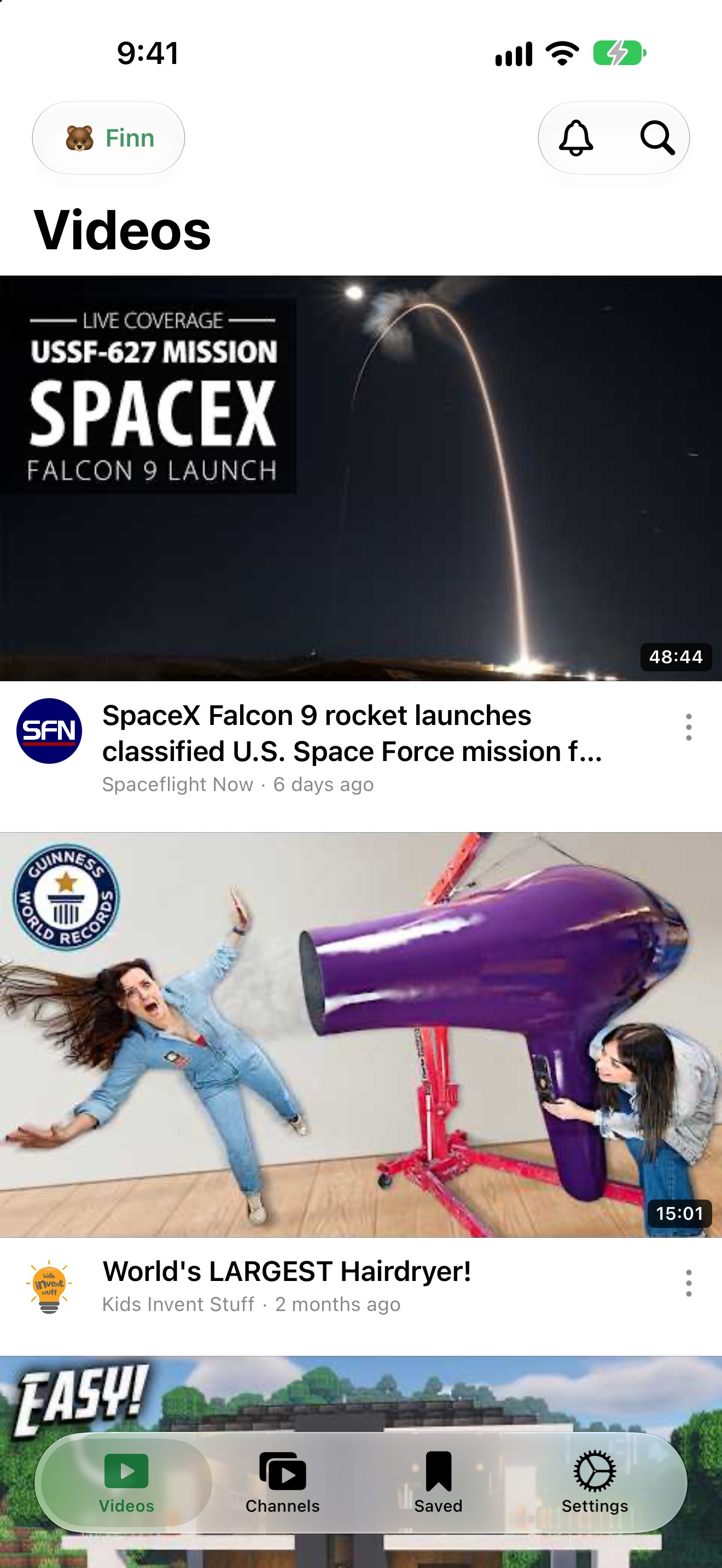
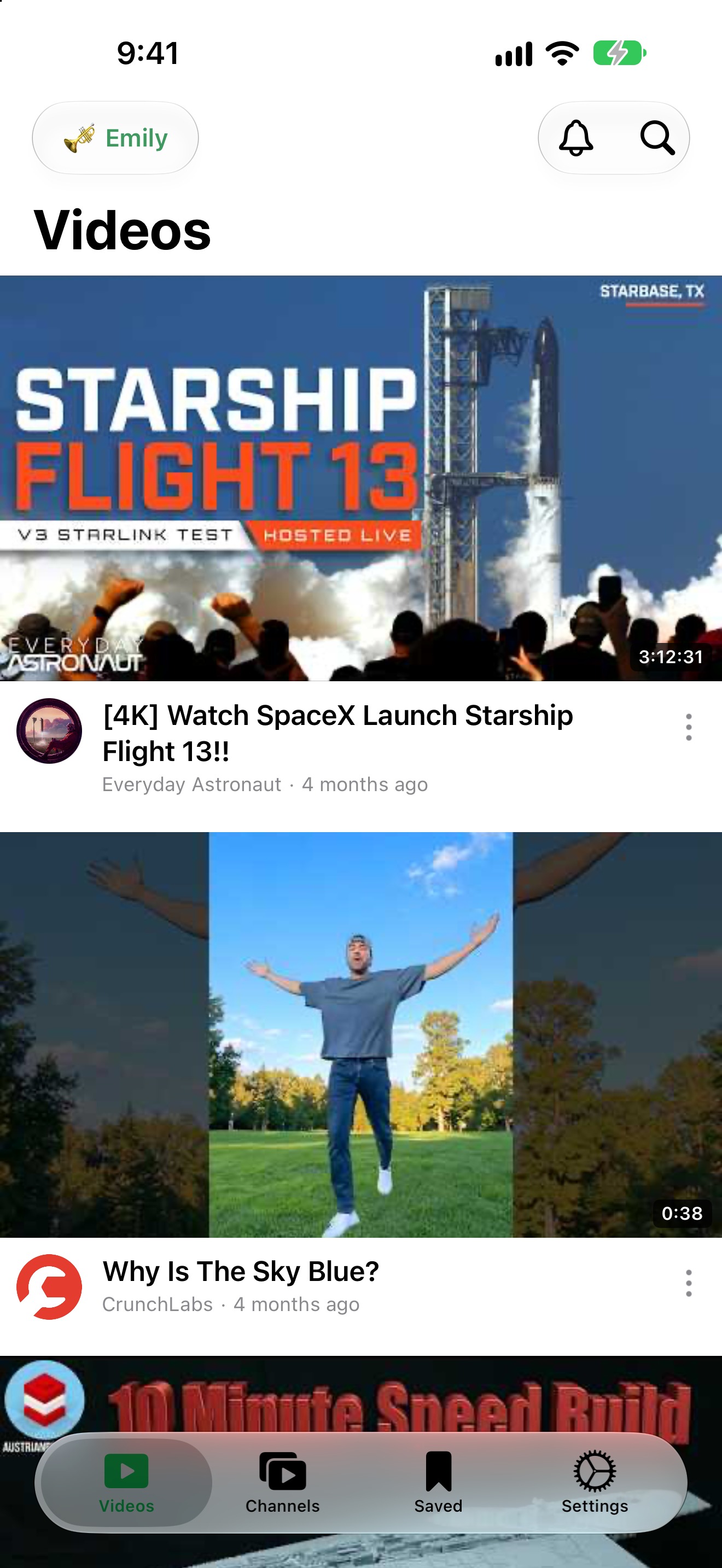
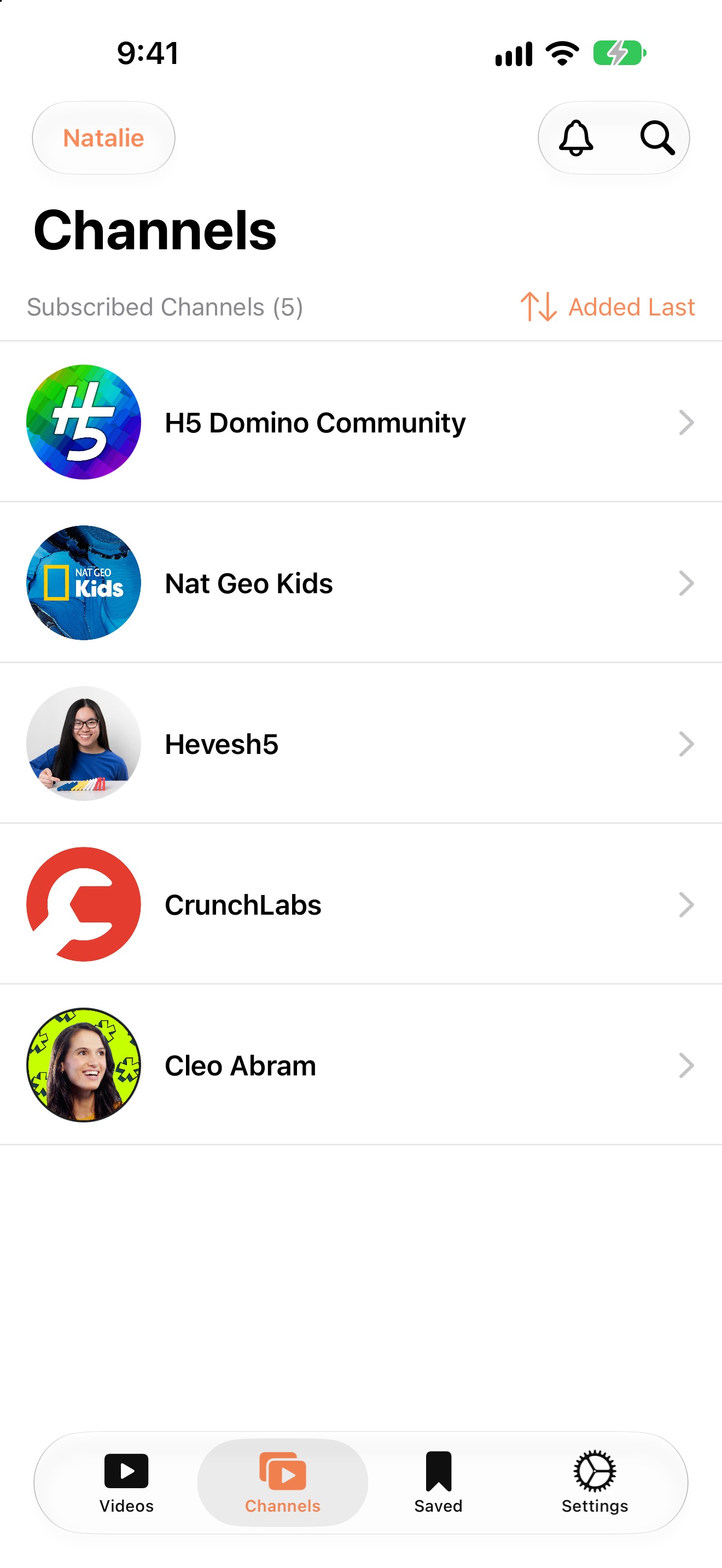
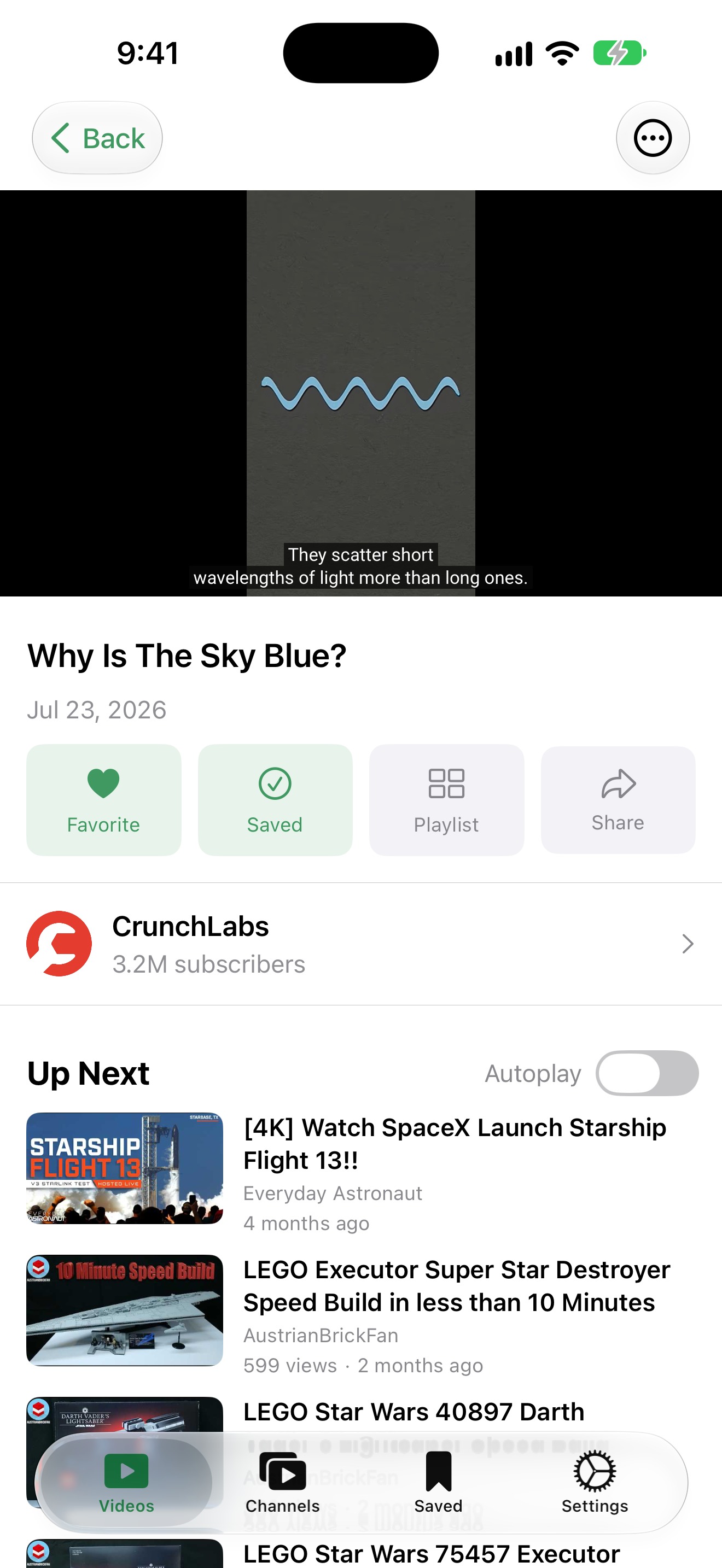
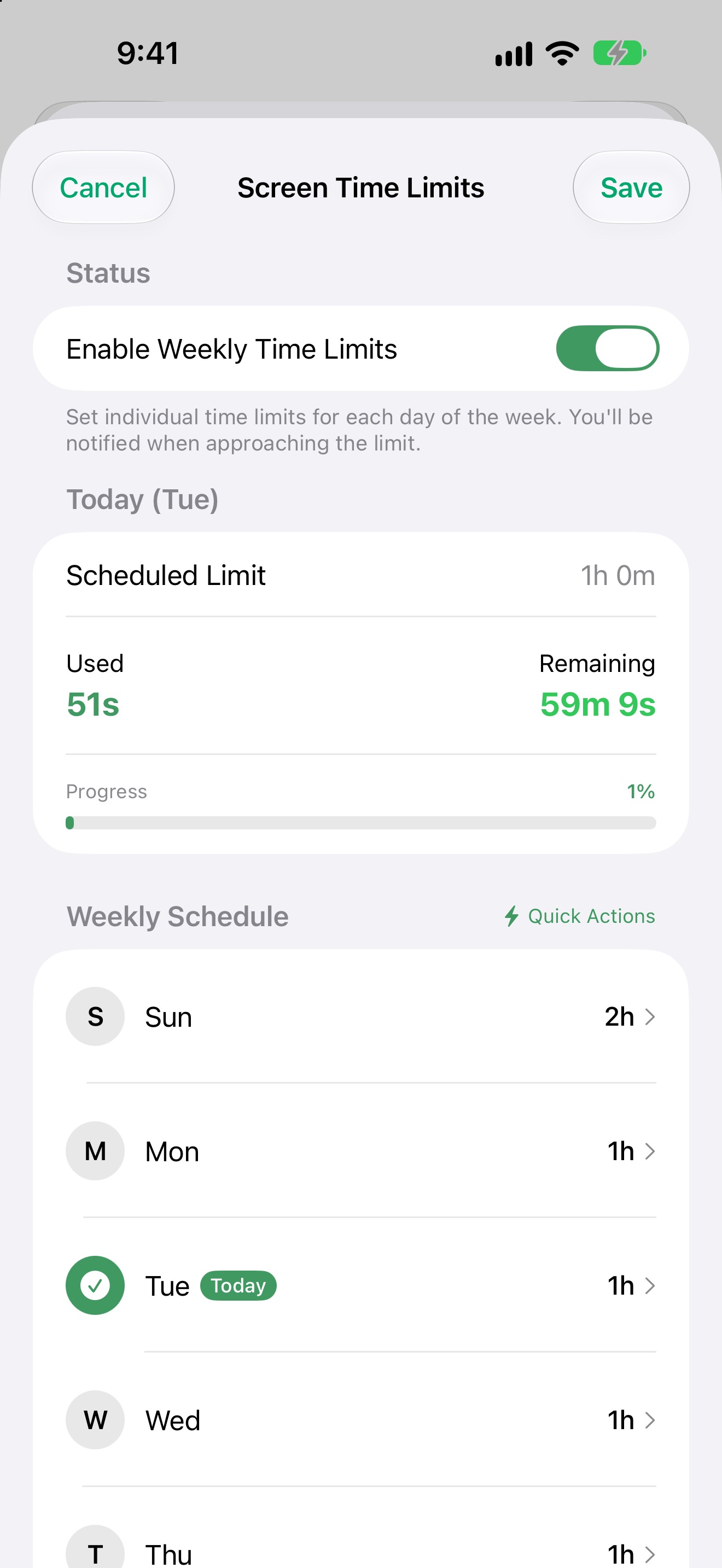
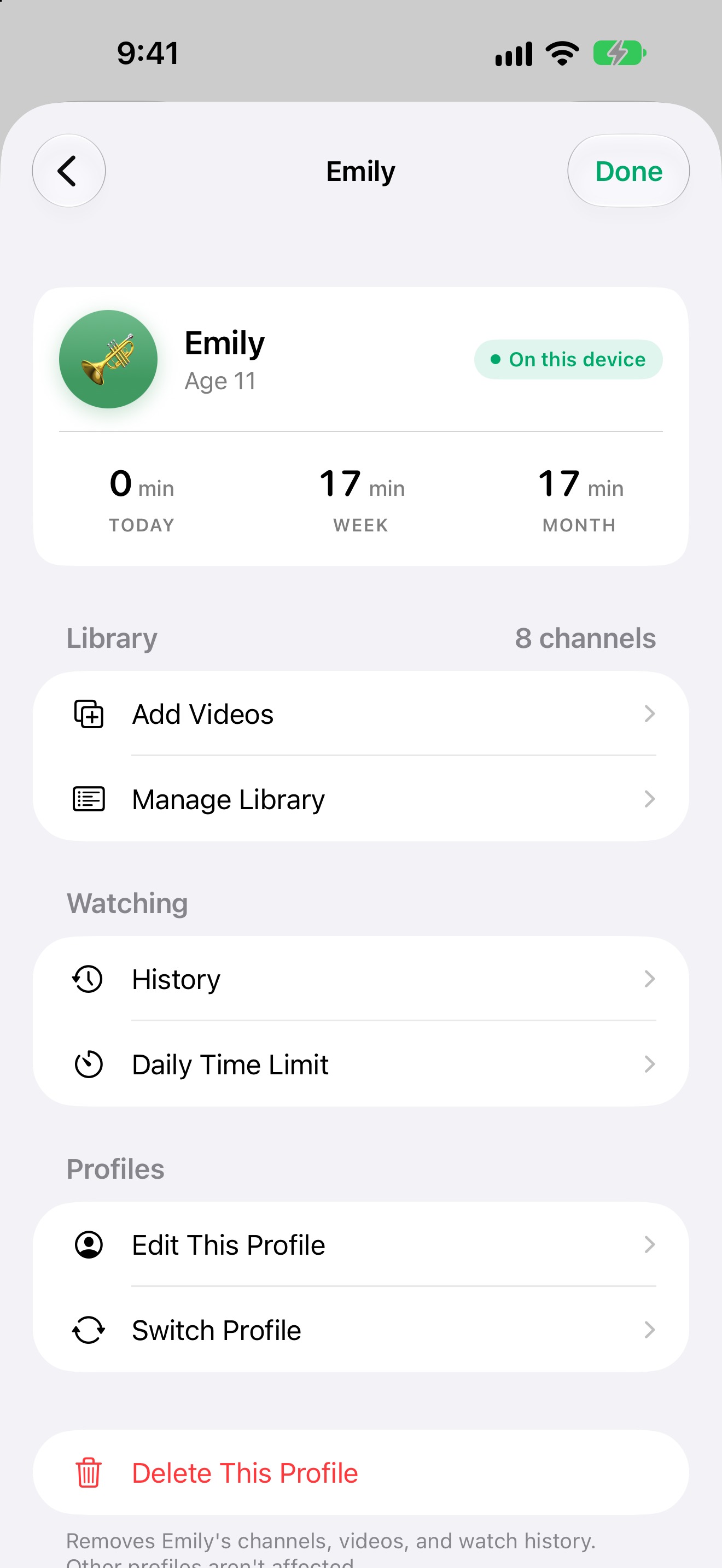
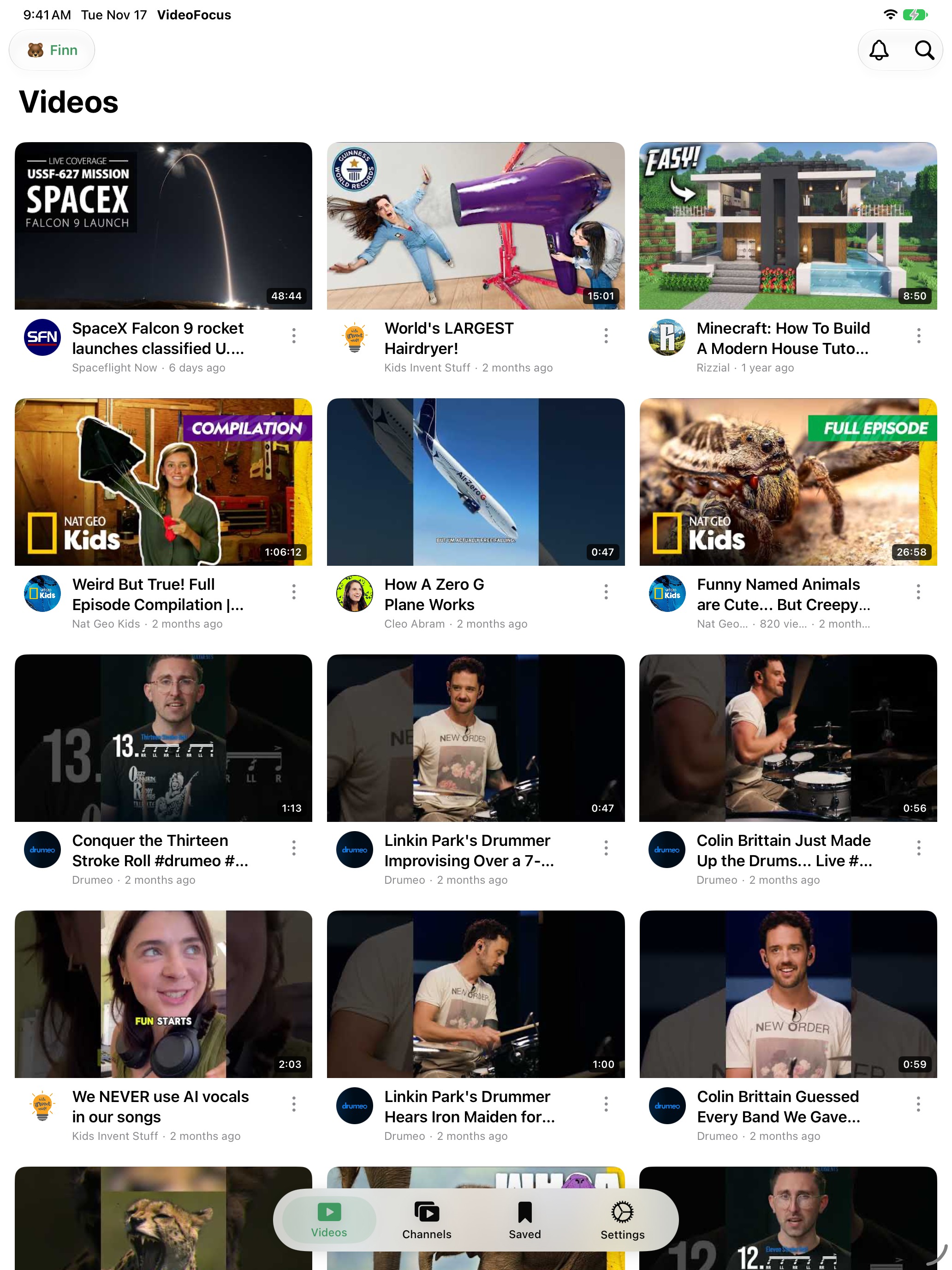
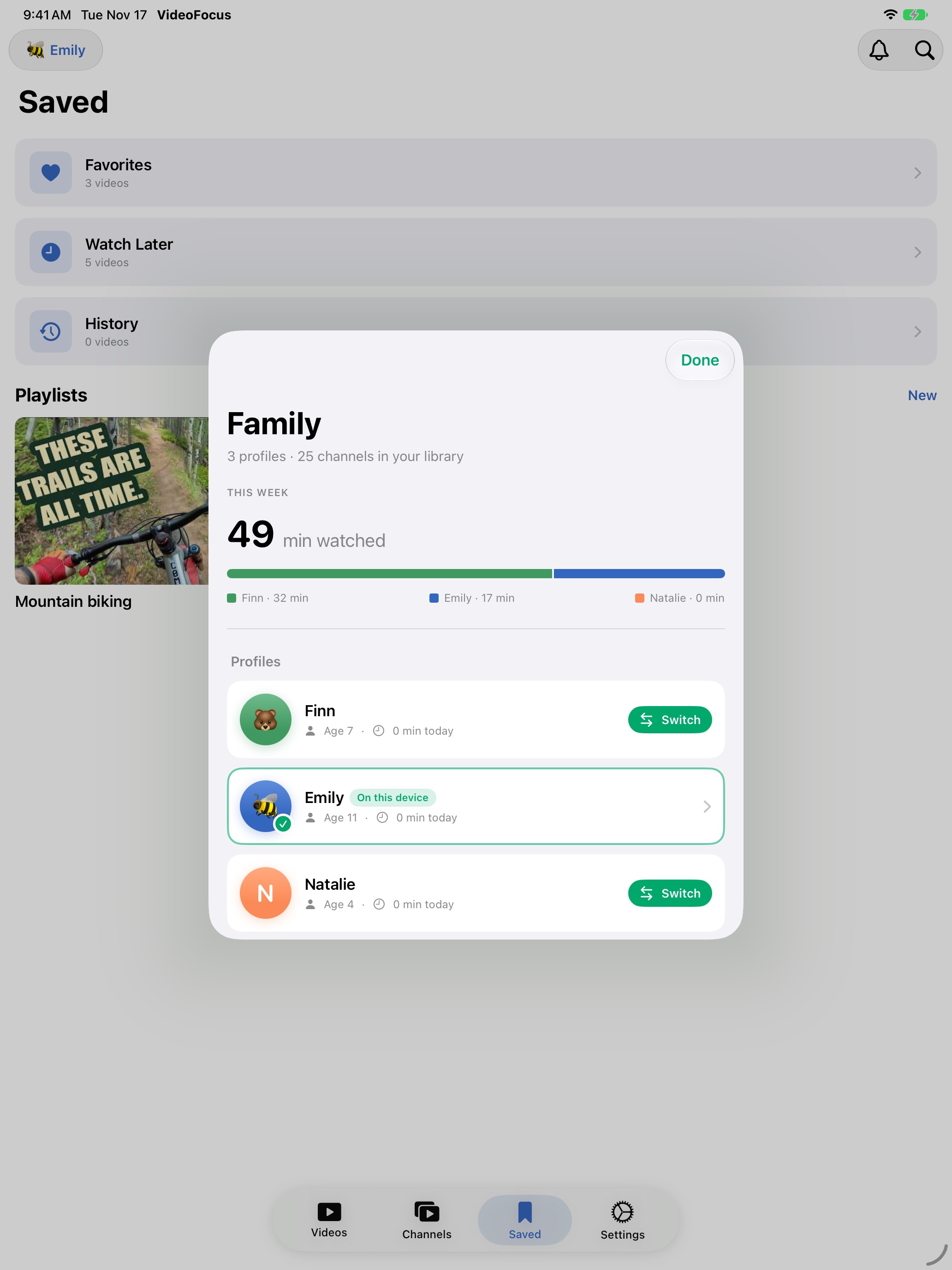
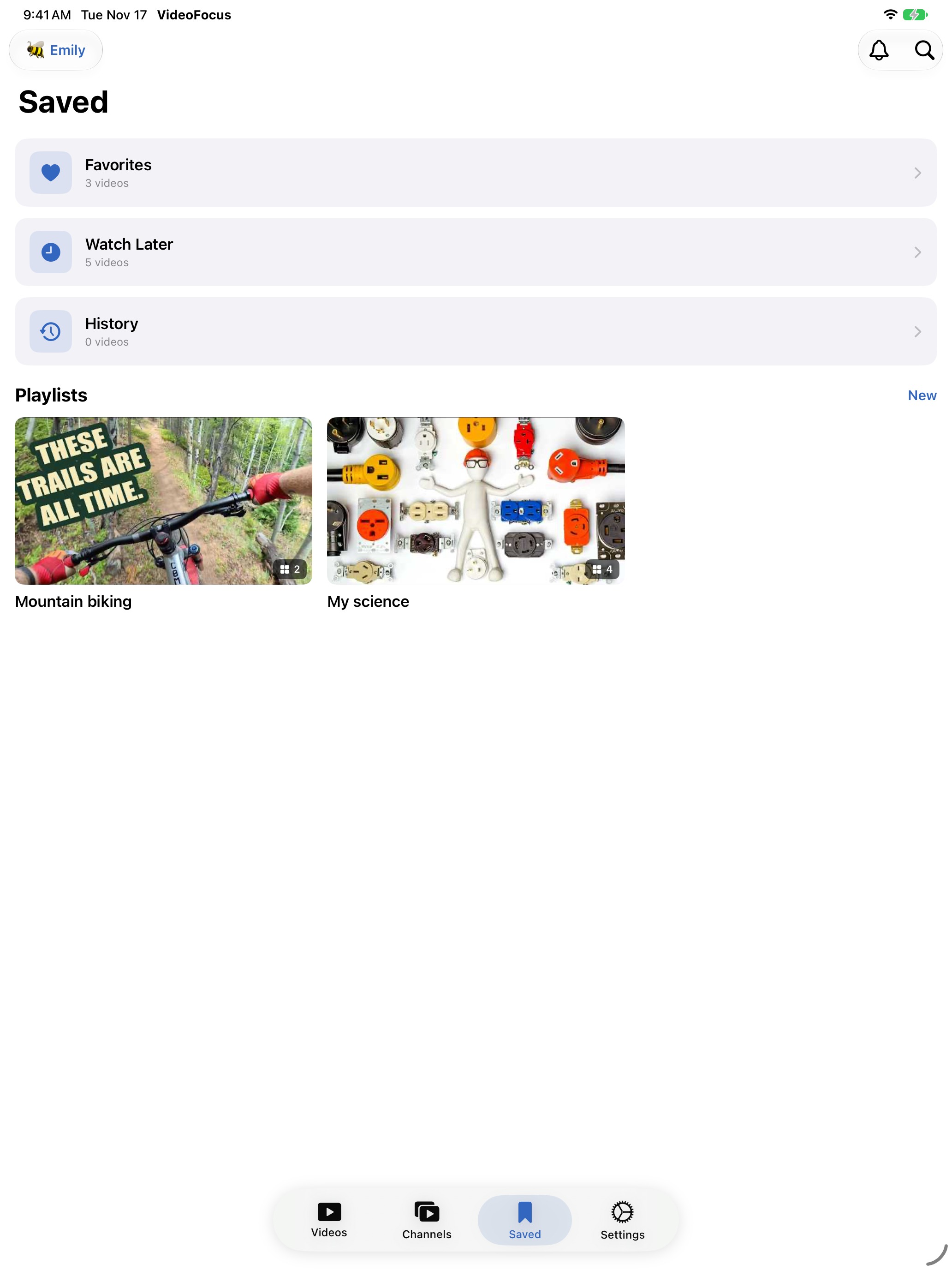
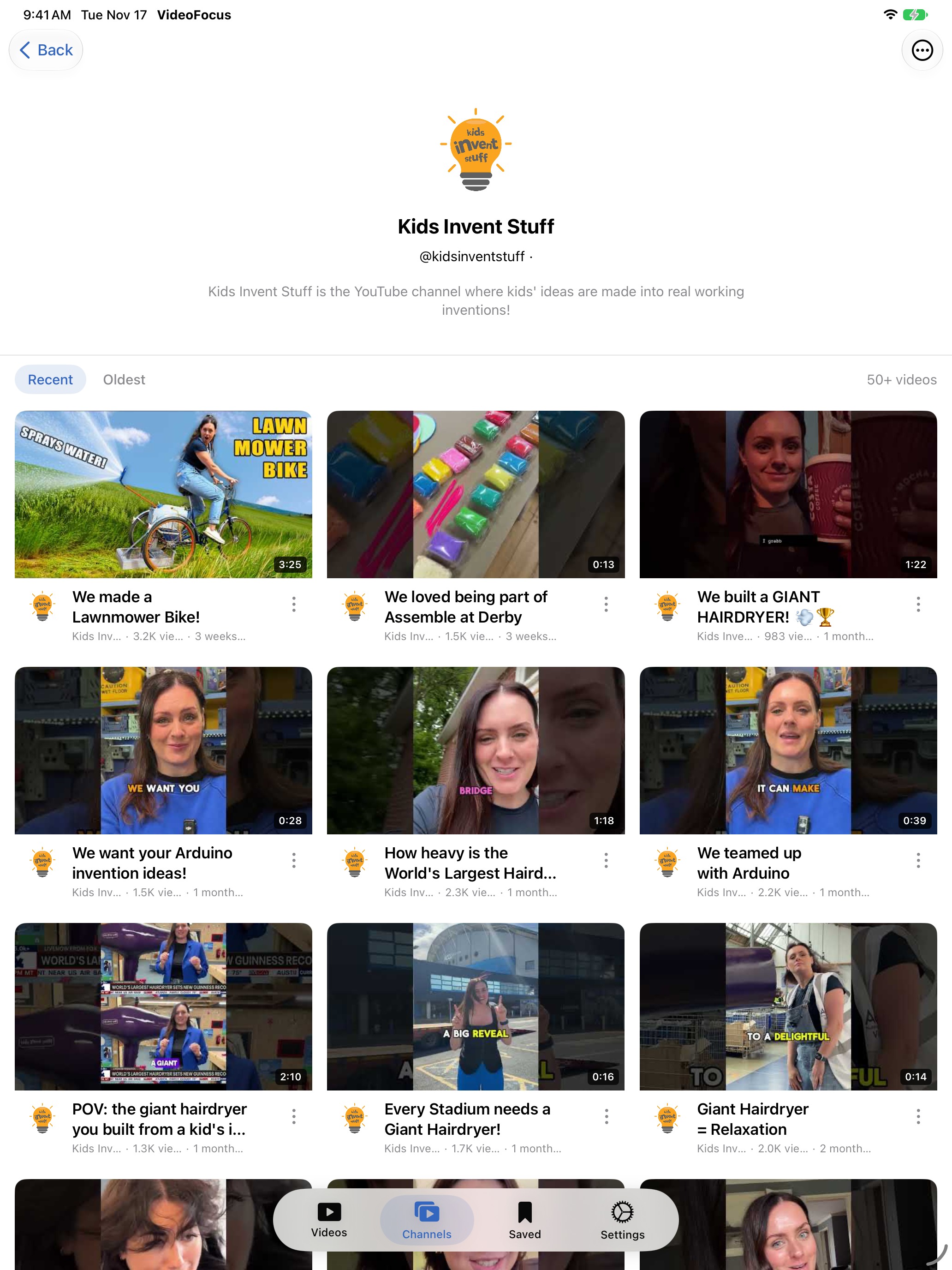
The video thumbnails belong to the YouTube creators who made them. Please crop or blur them if your publication needs to.
Assets



Please don't show the YouTube logo next to the VideoFocus name. VideoFocus is not affiliated with or endorsed by YouTube or Google.